
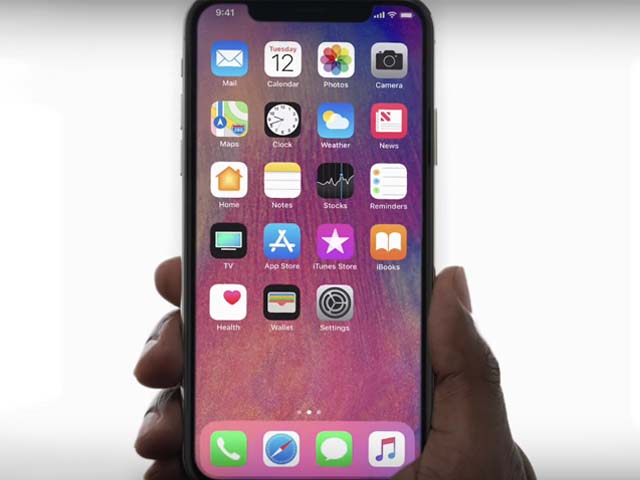
While the recent models of iPhones have better water resistance capabilities, they are still prone to water damage, followed by the internet’s popular advice of placing it into a bowl of rice to dry it out. A new supported document by Apple spotted by Macworld, however, refutes the advice and advises against it.
The document specifically tells users not to dry their device using an external heat source or compressed air, nor inserting a foreign object into the connector like a paper towel or cotton swab. Most importantly, placing devices in a bag of rice could allow small particles to damage the phone further.
Read: Lockbit cybercrime gang disrupted by Britain, US and EU
According to Apple, if the device is damaged by water, the best method is to tap your iPhone gently against your hand with the connector facing down to remove excess liquid. The phone should be left to dry in a dry area with some airflow. After 30 minutes of drying, users can try charging with a Lightning or USB-C cable or connecting an accessory.
If there is still liquid in the connector or under the pins of the cable, the alert will be displayed, and the phone should be left to dry for a day while trying to connect the charger during the 24-hour period. If the phone has dried up but still isn’t charging, unplug the cable from the adapter and unplug the adapter from the wall, and then connect them again.
Users should contact Apple support if their device still doesn’t work.