
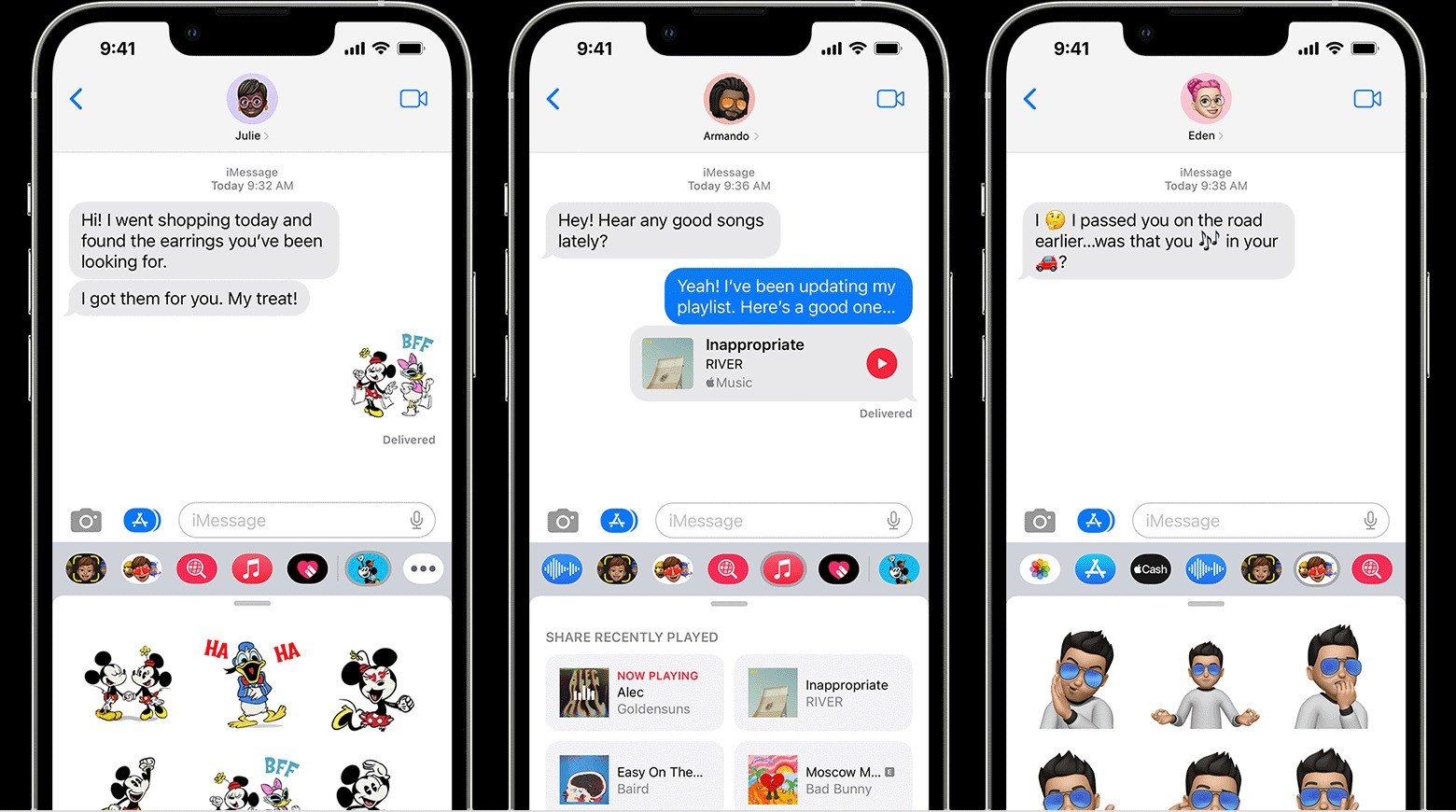
For many iPhone users, iMessage might be the default app, and though Mac has a wonderful integration of the app, it can be a struggle to have the app when using Windows. All is not lost, however, with a few steps, the iMessage app can be connected on Windows.
Connect your iPhone with Windows using the Phone Link app, which can be downloaded on both ends, and be used to access iMessage from your PC. The trick, however, doesn’t let previous messages show up in the chat before they were linked to the PC. Only messages sent after linking will be displayed on the PC.
To download Phone Link, you will need iOS 14 or later and the latest Windows 11 version on your PC. Applications will need to be installed on both devices. The app can be found on Windows Search or manually downloaded through an external link. You will need to follow the screen instructions to connect your iPhone to Windows via Bluetooth QR code, similar to pairing the WhatsApp web app to your phone.
After accepting permission for pairing on your iPhone and completing pin code sharing correctly, you will need to sync your contacts to your PC and allow notification access. Once setup is complete, the iPhone will be mirrored on the Phone Link app, giving you access to messages, calls, and contacts, including iMessage.